
Automated manufacturing drawings from 3D STEP models
Import a 3D STEP model and goCAD analyzes the geometry to auto-generate a dimensioned manufacturing-drawing draft — cutting drawing time by up to 90%. Everything runs locally on your PC.
Still spending too much time creating manufacturing drawings?
Solve the biggest bottleneck in your mechanical design workflow
3D models exist, yet...
Even when full 3D CAD models are ready, creating the 2D manufacturing drawings still demands hours of manual attention.
Repetitive tasks for many parts
When dealing with projects consisting of dozens of individual parts, creating drawings quickly turns into tedious, robotic labor.
Endless dimensioning & checking
Arranging dimensions, configuring appropriate view projections, and running pre-release checks are time sinks.
Limit of manual batch processing
When processing folders full of STEP files, doing layouts and exports manually by hand severely limits productivity.
Import STEP and generate a manufacturing drawing draft
A straightforward 4-step workflow to streamline drawing creation
Import STEP
Load your 3D STEP model (.step / .stp) directly into goCAD.
Geometry analysis
The analysis engine automatically identifies faces, edges, holes, cylinders, and geometric layout data.
Generate drawing
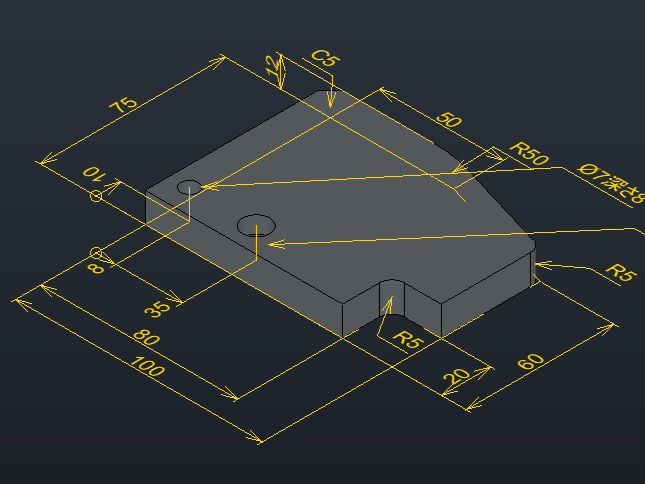
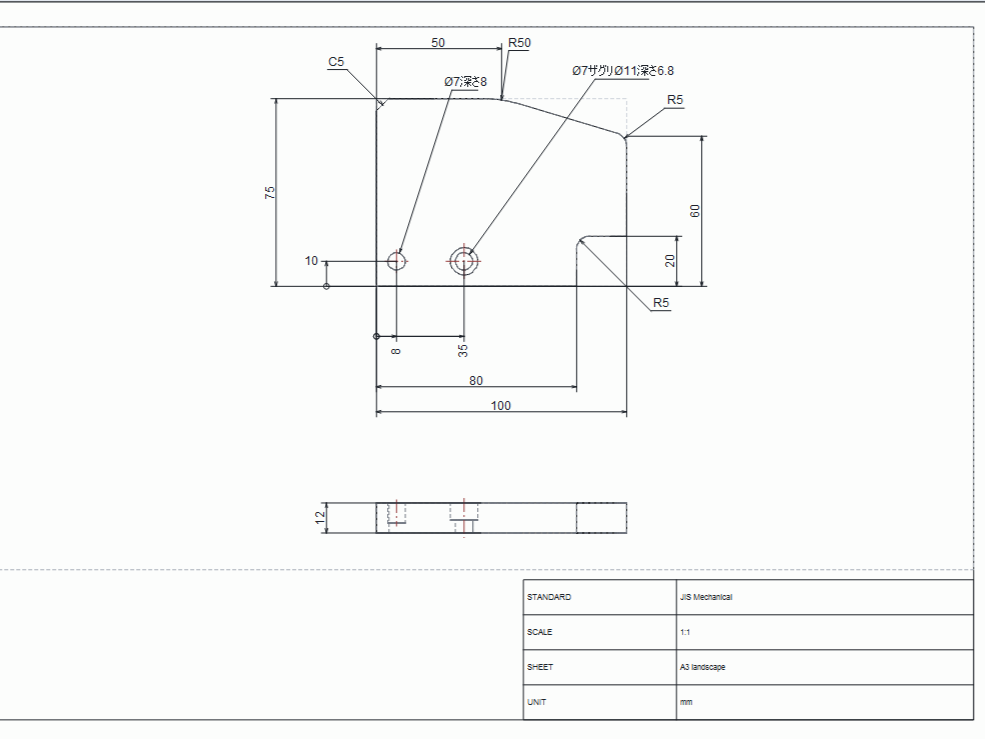
The system automatically places drawing views, outputs key dimensions, and drafts the manufacturing drawing.
Engineer review
Engineers remain in absolute control, reviewing, making manual edits, and approving final production files.
goCAD creates the draft. Engineers make the final decision.
Drastically reduce lead time
Focus on higher-value engineering design work, not manual dimension styling
Manual drafting
BeforeManually configuring views, establishing projection directions, adding dimensions, checking details, and exporting files inside traditional CAD.
With goCAD automation
AfterLoad STEP files into goCAD for automatic draft generation. Engineers focus only on reviewing and minor corrections.
*The above time savings are based on standard workflows. Actual reduction may vary based on geometry complexity.
Batch drawing automation with MCP tool integration
goCAD is designed to expose drawing generation workflows through MCP (Model Context Protocol) tools and AI agents. Instead of creating drawings one by one, engineers can automate batch draft generation for multiple STEP files and focus on final review.
STEP in. Manufacturing drawing out.
Transforming 3D geometric models into manufacturing-ready 2D drawings
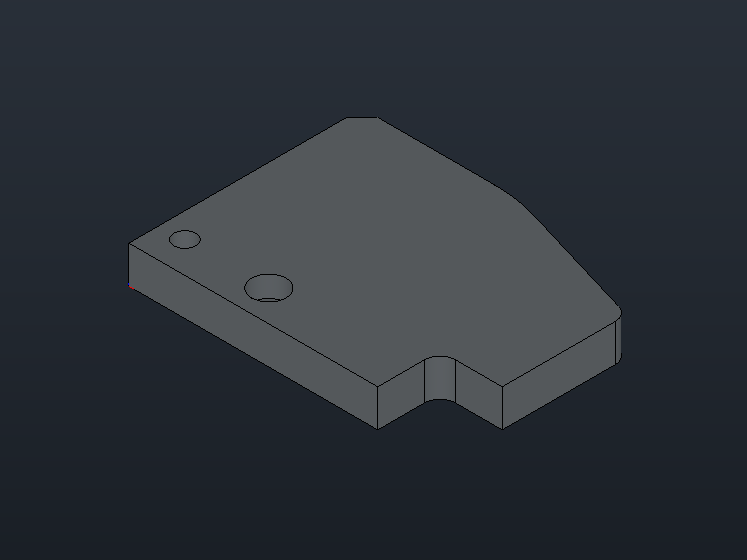
Input: 3D STEP Model
.STEPOutput: Generated Manufacturing Drawing (Draft)
.DXF / .PDFDRAFTGC-BR-A102
1:2
Tailored for your engineering workflow
Focusing on simple, highly repeatable parts automation
Machined parts
Speed up drawing generation for milled, turned, and standard machined components.
Jigs and equipment parts
Instantly create drawings for plates, brackets, blocks, and various equipment design parts.
Batch STEP processing
Hook goCAD up to your pipeline using MCP to process multiple STEP files in bulk with a single click.
Reducing repetitive work
Free engineers from repetitive tasks like standard view layout and repetitive dimension placement.
Frequently Asked Questions
Find answers to common questions about goCAD drawing automation
Request a goCAD Demo
Interested in automated drawings, batch STEP processing, or MCP integration? Get in touch with us